


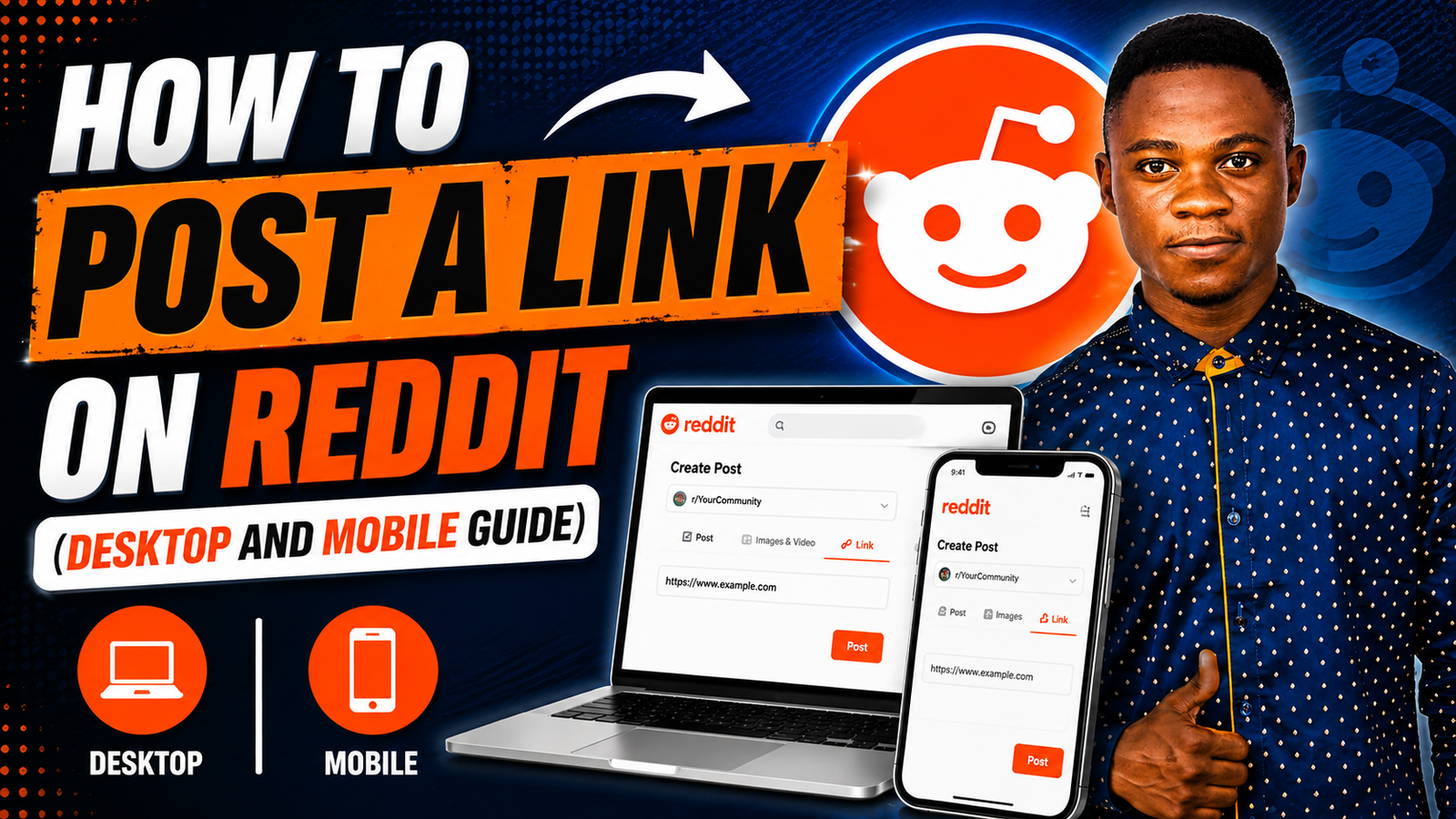
How to Post a Link on Reddit (Desktop and Mobile Guide)
Reddit is one of the most popular online communities where users can share links, images, videos, and discussions across thousands of topic-based communities called subreddits.
Whether you want to share a website, blog post, YouTube video, or social media content, Reddit makes it easy to post links using both the desktop website and mobile app.
In this tutorial, I’ll show you how to post a link on Reddit, how to add hyperlinks in the Reddit mobile app, and how to add social links to your Reddit profile.
How to Post a Link on Reddit Using Desktop
If you are using Reddit on a computer, follow these steps to share a link.
Step 1: Open the Website You Want to Share
First, visit the webpage, article, or video you want to post on Reddit.
Copy the full URL from your browser’s address bar.
Step 2: Open Reddit
Go to Reddit Official Website and log into your Reddit account.
Step 3: Choose a Subreddit
Search for a subreddit related to your content.
For example:
- technology content → r/technology
- gaming content → r/gaming
- tutorials → subreddit related to tutorials or social media
Always choose a subreddit that matches your content topic.
Step 4: Create a New Post
Inside the subreddit, click the Create Post or + Create button.
Then select:
- Link Post if you want to share a website link
- or Post depending on the subreddit layout
Step 5: Paste Your Link
Paste the website URL into the link field.
After pasting the link:
- add a title
- double-check the preview
- make sure the link works correctly
Try to use a clear and natural title instead of spammy clickbait.
Step 6: Submit the Post
Once everything looks good, click Post or Submit.
Your link will now appear in the subreddit for other Reddit users to see and interact with.
How to Add a Hyperlink on Reddit Mobile App
If you are using the Reddit mobile app, the process is slightly different.
Step 1: Open the Reddit App
Launch the Reddit app on your smartphone and log into your account.
Step 2: Tap the Create Button
Tap the + Create button at the bottom of the screen.
Choose the subreddit where you want to post your content.
Step 3: Copy the Link
Open the webpage or content you want to share and copy the URL.
Step 4: Paste the Link Into Reddit
Return to the Reddit app and paste the link into the post field.
You can also add:
- a title
- text description
- additional context for readers
Step 5: Publish the Post
Tap Post or Submit to publish your link.
Your post will now be visible to members of that subreddit.
How to Add Social Links to Your Reddit Profile
Adding social links to your Reddit profile helps other users connect with you outside Reddit.
Follow These Steps:
Step 1:
Open Reddit settings:
Reddit Account Settings
Step 2:
Go to the Profile or Linked Accounts section.
Step 3:
Choose the social platform you want to connect.
Examples include:
- Twitter/X
- YouTube
- Discord
- Twitch
Step 4:
Log into the selected platform and authorize Reddit.
Your social profile link will now appear on your Reddit profile.
Important Tips Before Posting on Reddit
Before posting links on Reddit, keep these important tips in mind.
Follow Subreddit Rules
Every subreddit has its own posting guidelines.
Some communities:
- allow promotional links
- limit self-promotion
- require minimum karma
- restrict affiliate links
Always read the subreddit rules before posting.
Avoid Spammy Titles
Using misleading or overly promotional titles can get your post removed.
Instead:
- use clear titles
- describe the content honestly
- avoid excessive emojis or clickbait
Engage With the Community
Reddit users prefer genuine participation.
Instead of only posting links:
- leave comments
- answer questions
- participate in discussions
- provide value to the community
This helps build trust and improves engagement.
Why Reddit Is Great for Sharing Content
Reddit can help:
- drive traffic to your website
- increase visibility
- grow your audience
- improve community engagement
However, success on Reddit usually comes from being helpful and authentic rather than overly promotional.
When used correctly, Reddit can become a powerful platform for growing your online presence and connecting with communities interested in your content.
If you prefer to watch a video tutorial on how to post a link on Reddit, check out this tutorial:
