








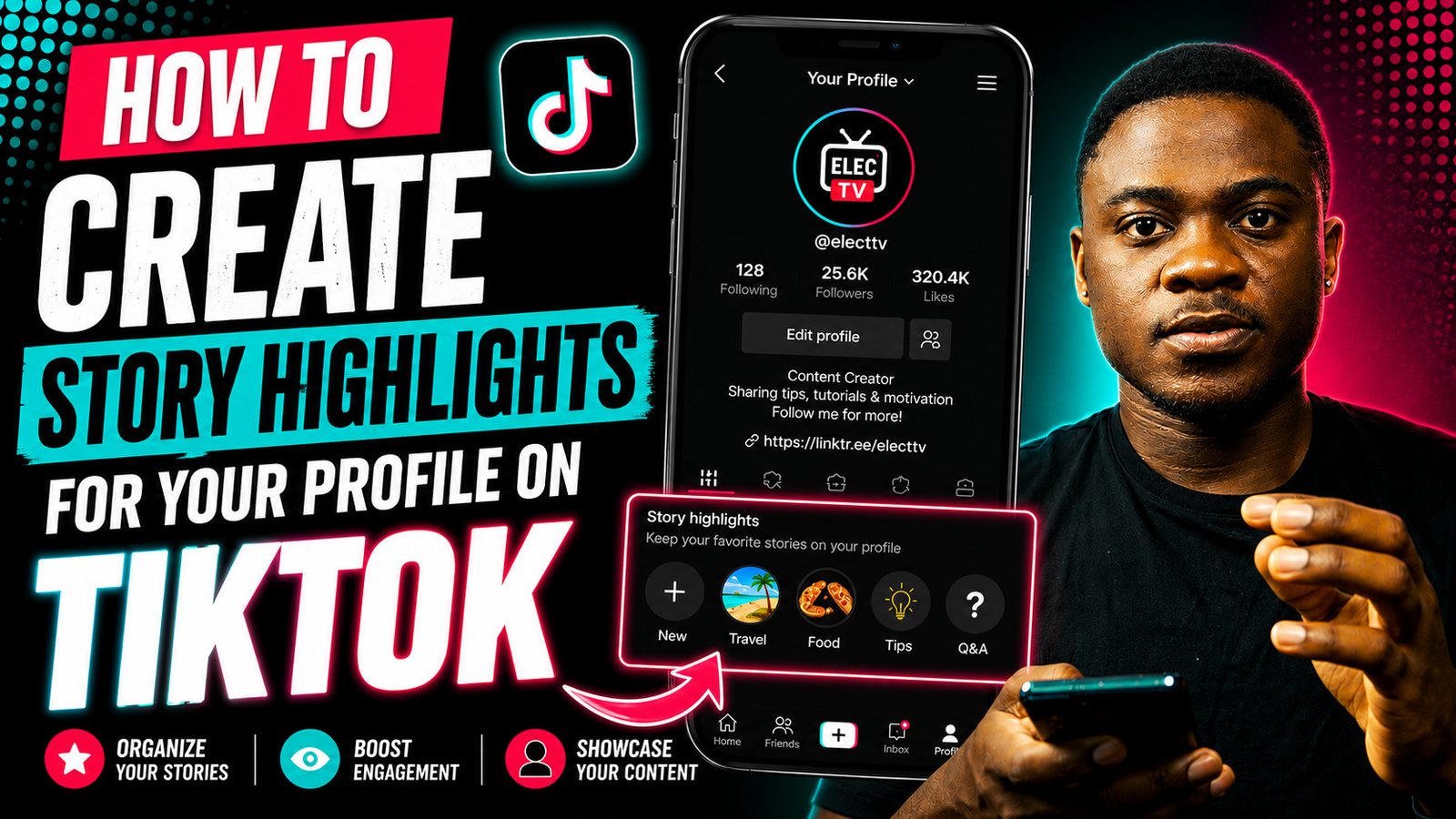
How to Create Story Highlights for Your Profile on TikTok
TikTok keeps adding features to help users organize and showcase their content. One popular feature is Story Highlights. They let you keep your favorite TikTok Stories visible on your profile longer instead of disappearing after 24 hours.
In this guide, I’ll show you how to create Story Highlights on TikTok, how the feature works, and a few important things you should know before using it.
What Are TikTok Story Highlights?
TikTok Story Highlights are collections of Stories that you choose to keep on your profile permanently or for a longer period of time.
Normally, TikTok Stories disappear after 24 hours. However, Story Highlights let you save selected Stories so visitors can still view them from your profile later.
This feature is useful for:
- creators
- influencers
- businesses
- personal accounts
- brands promoting products or services
You can use Highlights to organize important content such as:
- tutorials
- behind-the-scenes clips
- product reviews
- travel moments
- FAQs
- announcements
Can Everyone Use TikTok Story Highlights?
TikTok releases features gradually to different accounts and regions. If you do not see the Story Highlights option yet, your account may not have the update.
Make sure:
- your TikTok app is updated
- you are using the latest version
- your account is active and in good standing
How to Create Story Highlights on TikTok
Follow these steps to create Story Highlights on TikTok
Step 1: Open TikTok
Launch the TikTok app on your Android or iPhone device and log in to your account. Open the TikTok app on your Android or iPhone and log in to your account. he screen.


Step 3: Open Your TikTok Story
If you already posted a Story:
- open your Story
- tap the options menu (three dots)


Step 4: Add Story to Highlights
If the feature is available, you should see an option like:
- “Add to Highlights”
- “Highlight”
- “Save to Highlights”
Tap it.


Step 5: Create a Highlight Collection
You can:
- create a new Highlight category
- or add the Story to an existing Highlight
Example Highlight names:
- Tech Reviews
- Tutorials
- Gaming
- Travel
- Daily Life

Step 6: Save the Highlight
Once saved, the Highlight appears on your TikTok profile for visitors to view later.
Why Use TikTok Story Highlights?
Story Highlights make your profile look more organized and professional.
They are useful for:
- keeping important Stories visible
- showing new visitors your best content
- promoting products or services
- organizing content into categories
- improving profile appearance
For creators and businesses, Highlights can make it easier for followers to quickly understand your content.
What If You Cannot See Story Highlights?
If you cannot find the Story Highlights feature, try these steps:
Update TikTok
Go to the:
- Google Play Store
- Apple App Store
and update TikTok to the latest version

Clear TikTok Cache
- Open TikTok
- Go to Profile
- Tap the menu icon
- Go to Settings and Privacy
- Tap Clear Cache
Wait for Feature Rollout
Some TikTok features are released gradually and may not be available for all users immediately.

Tips for Better TikTok Story Highlights
To make your Highlights look better:
- use clear cover images
- organize Stories into categories
- avoid uploading blurry Stories
- keep Highlight titles short
- update Highlights regularly
Frequently Asked Questions
Do TikTok Story Highlights disappear?
No. Story Highlights stay on your profile until you remove them manually.
Can I edit TikTok Story Highlights?
Yes. You can add or remove Stories from your Highlights anytime.
Can everyone see my Story Highlights?
If your account is public, anyone can view your Highlights. If your account is private, only approved followers can see them.
Why don’t I have the Story Highlight feature?
TikTok may not have released the feature to your account or region yet. Updating the app may help.
Can businesses use TikTok Story Highlights?
Yes. Story Highlights are useful for creators, influencers, and businesses that want to organize important content on their profiles.