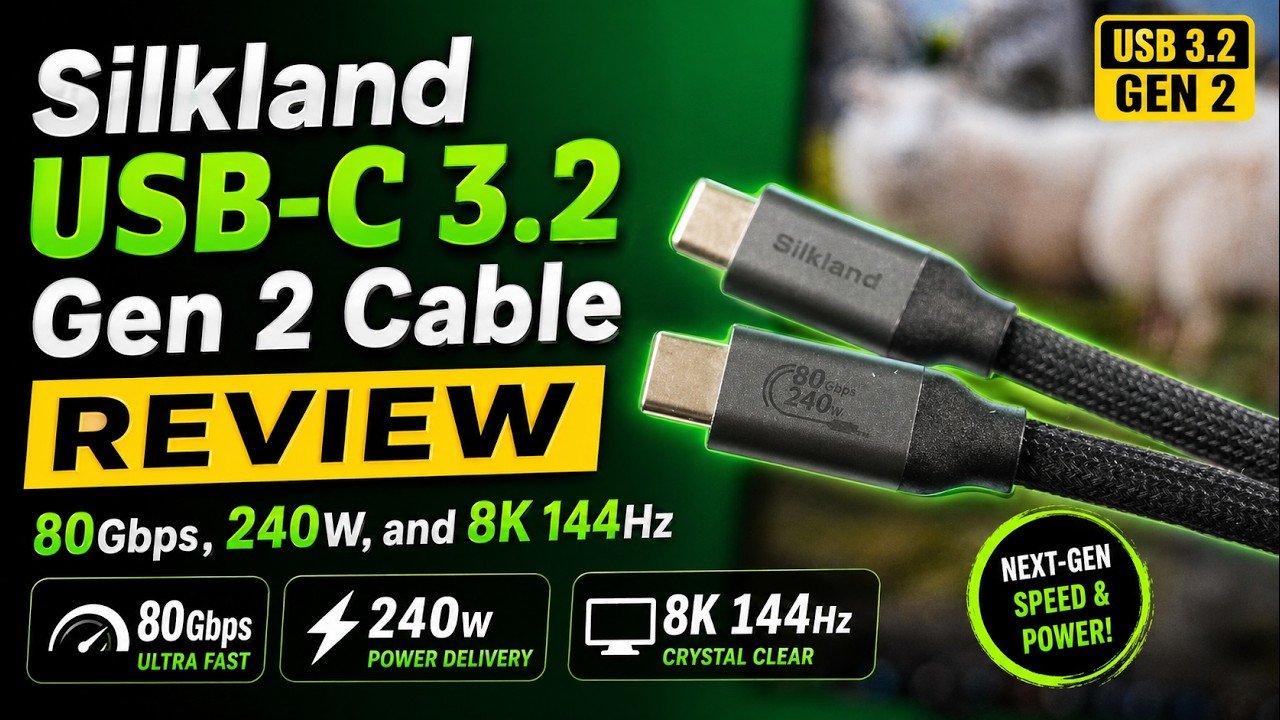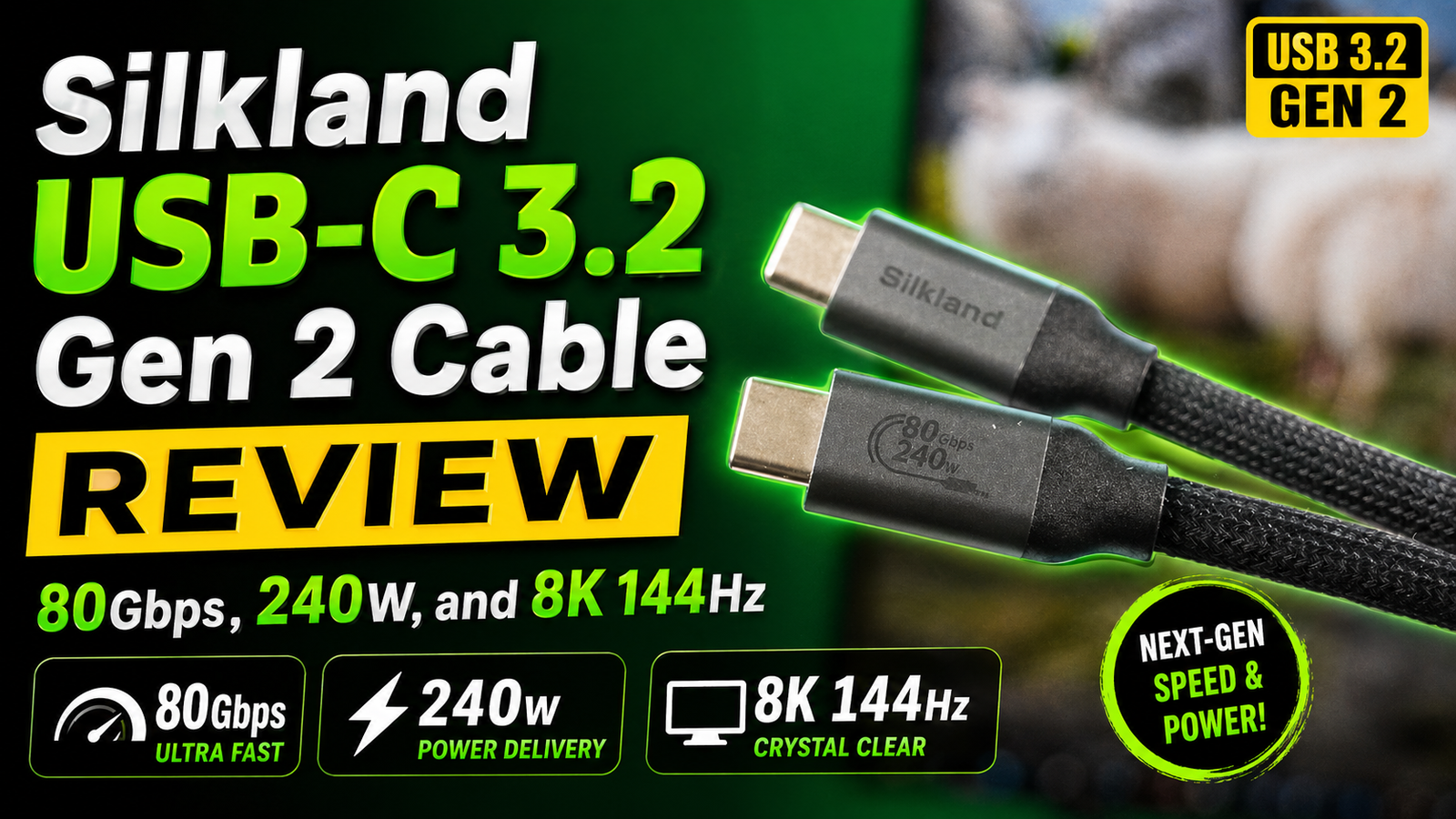
Silkland USB C Monitor Display Cable Review – 4K@144Hz, 8K Support, 240W Fast Charging & 20Gbps Data Transfer
Modern laptops, tablets, smartphones, and monitors continue pushing the limits of display quality, charging speed, and data transfer performance. As devices become more powerful, choosing the right USB-C cable has become increasingly important. Many users experience issues such as low refresh rates, unstable display output, slow charging, or limited compatibility simply because they are using low-quality cables.
The Silkland USB C Monitor Display Cable aims to solve these problems by combining:
- High refresh rate display support
- 8K video capability
- 240W Power Delivery charging
- 20Gbps data transfer
- Wide device compatibility
This cable is designed for creators, gamers, professionals, students, and anyone looking for a reliable USB-C solution for monitors, laptops, tablets, and smartphones.
In this detailed review, we will explore:
- Design and build quality
- Video output performance
- Charging capability
- Data transfer speeds
- Device compatibility
- Real-world usage experience
- Pros and cons
- Whether the cable is worth buying in 2026
Why USB-C Cables Matter More Than Ever
Many users assume all USB-C cables are identical, but that is far from true.
Different USB-C cables support different:
- Charging speeds
- Data transfer rates
- Display resolutions
- Refresh rates
- Power delivery capabilities
Using the wrong cable may result in:
- Poor display quality
- Low refresh rates
- Slow charging
- Connection instability
- Limited monitor support
With devices like:
- Apple MacBook Pro
- iPad Pro
- Mac Studio
- Gaming laptops
- High refresh rate monitors
users need cables capable of handling modern performance requirements.
Silkland USB C Monitor Display Cable Overview
The Silkland USB C Monitor Display Cable is designed as a high-performance all-in-one cable for:
- Video output
- Fast charging
- Data transfer
Key specifications include:
- 4K at 144Hz support
- 8K at 30Hz support
- USB-C 3.2 Gen 2×2
- 20Gbps transfer speed
- 240W Power Delivery fast charging
- 3.3FT cable length
This makes it suitable for:
- External monitors
- Gaming setups
- Productivity workstations
- Content creators
- High-speed data transfer
Design and Build Quality
One of the first things noticeable about the Silkland cable is its premium construction.
The cable feels:
- Thick
- Durable
- Well-insulated
- Professionally built
Unlike cheaper USB-C cables that feel fragile or loose, the Silkland cable appears designed for long-term daily use.
Braided Cable Design
The braided exterior helps improve:
- Durability
- Flexibility
- Resistance to wear
- Cable lifespan
Braided cables are especially useful for users who:
- Frequently travel
- Move devices often
- Use docking setups
- Game regularly
The braided texture also gives the cable a more premium appearance.
Connector Quality
The USB-C connectors feel solid and stable during use.
A poorly built connector can cause:
- Random disconnections
- Charging interruptions
- Display flickering
The Silkland cable maintains a secure fit in supported devices.
4K at 144Hz Support
One of the biggest highlights of this cable is support for:
- 4K resolution at 144Hz
This is especially important for:
- Gamers
- Content creators
- High refresh rate monitor users
Many cheaper USB-C cables only support:
- 4K at 60Hz
Higher refresh rates provide:
- Smoother animations
- Better gaming responsiveness
- Improved scrolling
- Enhanced user experience
For competitive gaming, high refresh rate support can make a noticeable difference.
Gaming Performance Experience
During gaming, higher refresh rates improve:
- Motion clarity
- Smoothness
- Input responsiveness
Users with:
- Gaming laptops
- High refresh monitors
- USB-C monitor support
can benefit significantly from 144Hz capability.
Games feel:
- More fluid
- More responsive
- More immersive
especially in fast-paced titles.
8K Video Support
The cable also supports:
- 8K at 30Hz
Although 8K displays are still less common, this support helps future-proof the cable.
8K capability benefits:
- Professional creators
- Video editors
- High-resolution workflows
- Future display upgrades
Even users not currently using 8K displays may appreciate the additional bandwidth headroom.
USB C 3.2 Gen 2×2 Explained
The cable supports:
- USB-C 3.2 Gen 2×2
This standard enables:
- Up to 20Gbps transfer speeds
High-speed data transfer is important for:
- External SSDs
- Large video files
- Photo libraries
- Professional workflows
Modern creators often work with:
- 4K video files
- RAW images
- Large project folders
Fast transfer speeds help save time significantly.
Real-World Data Transfer Performance
Copying large files using the Silkland cable feels noticeably faster compared to older USB-C cables.
Users transferring:
- Video projects
- Gaming files
- Backup data
can benefit from improved transfer performance.
This becomes especially useful for creators working with:
- Final Cut Pro
- Adobe Premiere Pro
- DaVinci Resolve
or similar editing software.
240W Power Delivery Fast Charging
Another major feature is:
- 240W PD charging support
Power Delivery technology allows compatible devices to charge faster and more efficiently.
This is important for:
- MacBook Pro
- Gaming laptops
- Tablets
- USB-C monitors
Many standard cables cannot handle high-wattage charging properly.
Charging Performance
The Silkland cable performs well during:
- Laptop charging
- Tablet charging
- Smartphone charging
The cable supports stable high-power delivery without excessive heating.
For creators and professionals, this reduces the need for:
- Multiple cables
- Separate charging accessories
One cable can handle:
- Display output
- Charging
- Data transfer
simultaneously.
Compatibility With MacBook Pro and Apple Devices
The cable is compatible with many Apple devices including:
- MacBook Pro
- iPad Pro
- Mac Studio
This makes it useful for users within Apple’s ecosystem.
MacBook users often rely heavily on USB-C connectivity for:
- External displays
- Charging
- Docking stations
- External storage
The Silkland cable handles these tasks reliably.
External Monitor Support
Connecting external monitors using USB-C has become increasingly common.
The cable works well with:
- USB-C monitors
- Portable monitors
- High refresh displays
- Productivity setups
Users can create cleaner workspaces with:
- Single-cable setups
- Reduced clutter
- Simplified connectivity
Productivity Benefits
For office users and creators, the cable can improve:
- Workflow efficiency
- Desk organization
- Multi-monitor setups
USB-C connectivity helps reduce:
- Adapter usage
- Cable clutter
- Port limitations
Content Creation Experience
Content creators increasingly rely on USB-C workflows.
The Silkland cable is useful for:
- Video editing
- Photo editing
- Media transfer
- High-resolution monitoring
Creators using:
- MacBook Pro
- iPad Pro
- Portable SSDs
can benefit from both:
- High-speed transfer
- Reliable display output
Heat Management and Stability
Some low-quality cables overheat during:
- Fast charging
- Long gaming sessions
- Large file transfers
The Silkland cable maintains stable performance during extended use.
Connection stability remains reliable even during:
- High refresh rate gaming
- 4K streaming
- Large file transfers
Cable Length Considerations
The included:
- 3.3FT length
works well for:
- Desktop setups
- Portable monitor usage
- Laptop workstations
However, users with larger desk setups may prefer longer cable options depending on monitor placement.
Pros of the Silkland USB C Monitor Display Cable
Excellent Display Support
Supports:
- 4K at 144Hz
- 8K at 30Hz
Fast Data Transfer
20Gbps transfer speeds improve productivity.
240W Charging Support
Excellent for laptops and professional devices.
Strong Build Quality
Braided construction improves durability.
Wide Compatibility
Works with:
- MacBook Pro
- iPad
- Mac Studio
- USB-C monitors
- Gaming laptops
Potential Downsides
1. 8K Limited to 30Hz
While 8K support exists, refresh rate is limited compared to lower resolutions.
2. Cable Length
3.3FT may be short for some users.
3. Premium Features May Cost More
Higher-quality cables are usually more expensive than generic alternatives.
However, reliability often justifies the price difference.
Who Should Buy This Cable?
The Silkland USB-C cable is ideal for:
- Gamers
- Creators
- MacBook users
- Productivity users
- External monitor users
- Video editors
- Students
- Professionals
Especially users who need:
- High refresh rate support
- Reliable charging
- Fast transfer speeds
Is the Silkland USB C Cable Worth It?
For users relying heavily on USB-C connectivity, the Silkland cable offers strong overall value.
Its combination of:
- High refresh display support
- Fast charging
- Reliable transfer speeds
- Durable construction
makes it more capable than many standard USB-C cables.
Instead of carrying separate cables for:
- Charging
- Displays
- Data transfer
users can simplify their setup with one versatile cable.
Final Thoughts
The Silkland USB C Monitor Display Cable delivers an impressive balance of:
- Display performance
- Charging capability
- Data transfer speed
- Build quality
With support for:
- 4K at 144Hz
- 8K at 30Hz
- 20Gbps data transfer
- 240W fast charging
the cable is well-suited for modern creators, gamers, and professionals using high-performance USB-C devices.
Its compatibility with devices like:
- Apple MacBook Pro
- iPad Pro
- Mac Studio
- USB-C monitors
makes it a strong option for users building clean and efficient USB-C workstations.
For anyone looking for a reliable high-performance USB-C cable in 2026, the Silkland USB C Monitor Display Cable is definitely worth considering.
Buy Amazon Canada: https://amzn.to/4bxqaFa
For more tech reviews, gadget tutorials, and creator setup guides, visit: Mokube Tech