


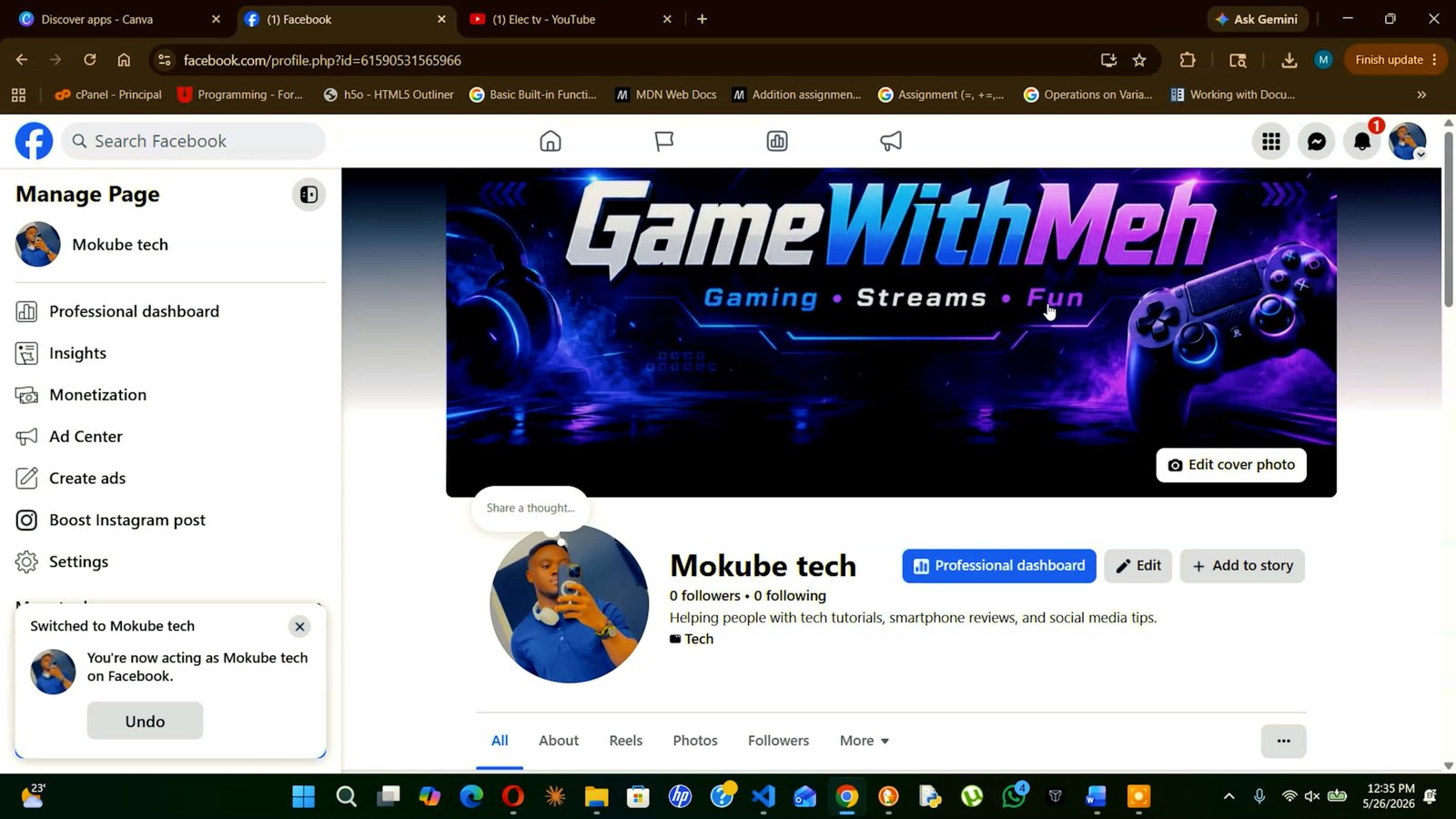
What Is a Facebook Business Page?
A Facebook Business Page, also known as a Facebook Page, is a public profile created for businesses, brands, organizations, public figures, artists, and communities.
Unlike a personal Facebook profile, which is mainly for individual use, a Business Page is designed to help you promote your brand, connect with customers, share updates, post content, run ads, and grow your online presence.
With a Facebook Business Page, people can follow your page, send messages, leave reviews, view your contact details, and learn more about your products or services.
What You Need Before You Start
Before creating your Facebook Business Page, make sure you have a few things ready. This will make the setup process faster and help your page look more professional.
1. A Personal Facebook Account
You need a personal Facebook account to create and manage a Business Page. Your personal profile will not appear publicly on the page, so visitors will only see your business information.
2. Your Business Name
Choose the official name of your business, brand, or organization. This is the name people will see on your page and search for on Facebook.
3. A Profile Photo
Your profile photo is usually your business logo. Make sure it is clear, easy to recognize, and looks good in a small circle. A good size to use is 170 × 170 pixels or larger.
4. A Cover Photo or Video
Your cover photo is the large banner at the top of your page. You can use it to show your product, service, brand message, or promotion. A recommended size is 820 × 312 pixels.
5. A Short Business Description
Write a short description that explains what your business does. Keep it simple and clear, around 1–2 sentences.
Example:
Mokube Tech shares tech reviews, smartphone guides, tutorials, and helpful digital tips.
6. Contact Details
Prepare your business contact information, such as:
- Website link
- Phone number
- Email address
- Business address, if needed
7. Business Category
Facebook will ask you to choose a category that best describes your business. Examples include Restaurant, E-commerce Website, Clothing Store, Digital Creator, Tech Blog, or Local Business.
Step-by-Step: How to Create Your Facebook Business Page
Creating a Facebook Business Page is simple. Follow these steps and your page should be ready in a few minutes.
Step 1:
Go to facebook.com and log in to your personal Facebook account.
You need a personal account to create and manage a Business Page. Your personal profile will not be shown publicly on the page unless you choose to share it.

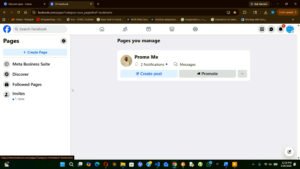
Step 2: Go to Pages
From your Facebook homepage, look at the left-side menu and click Pages.
Then click Create New Page.
You can also go directly to:
facebook.com/pages/create
Step 3: Enter Your Page Name
Type the name of your business, brand, or organization in the Page Name field.
Use the official name people will recognize and search for.
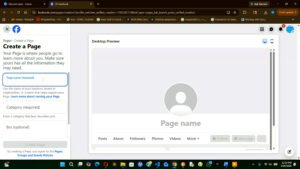
Step 4: Choose a Category
In the Category field, type the kind of business you run. Facebook will show suggestions.
Examples include:
- Digital Creator
- Local Business
- Restaurant
- Clothing Store
- E-commerce Website
- Tech Blog
You can choose up to 3 categories.
Tip: Pick a category your target audience would naturally search for. For example, if you run a bakery, choose Bakery instead of only choosing Food & Beverage Company.
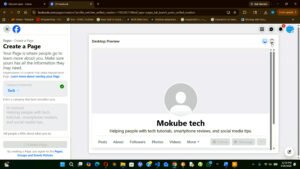
Step 5: Add a Bio or Description
In the Bio section, write a short description of your business.
Keep it clear and simple. Explain what your business does and who it helps.
Example:
Mokube Tech shares smartphone reviews, tech tutorials, buying guides, and helpful digital tips.
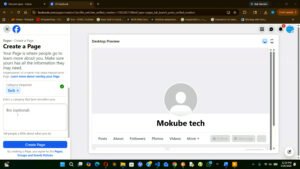
Step 6: Click Create Page
After adding your page name, category, and bio, click Create Page.
Your Facebook Business Page is now created, but you still need to complete the setup before sharing it with people.
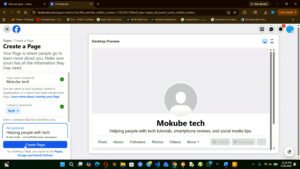
Step 7: Add a Profile Picture
Click Add Profile Picture and upload your business logo.
If you are creating a personal brand page, you can use a clear professional photo of yourself.
Make sure the image looks good in a small circle because it will appear beside your posts, comments, and messages.
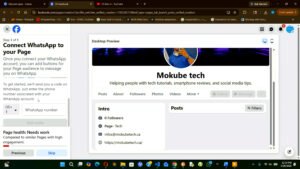
Step 8: Add a Cover Photo
Click Add Cover Photo and upload a banner image that represents your brand.
Your cover photo can show:
- Your product
- Your service
- Your team
- Your store
- Your brand message
- A promotion
Choose a clean and high-quality image that makes your page look professional.
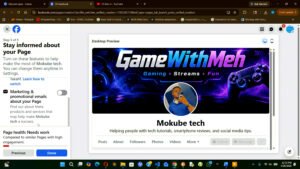
Step 9: Complete Your Page Information
After creating your page, go to your page settings and complete your business information.
Add details such as:
- Website link
- Phone number
- Email address
- Business location
- Opening hours
- Service area
- Price range, if needed
This helps people understand your business and contact you easily.
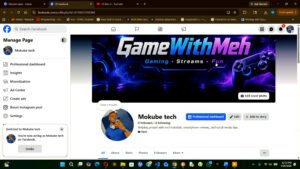
Step 10: Add a Call-to-Action Button
Below your cover photo, click Add a Button.
Choose the action you want visitors to take, such as:
- Call Now
- Send Message
- Shop Now
- Book Now
- Visit Website
- Sign Up
This button is important because it helps turn visitors into customers, followers, or leads.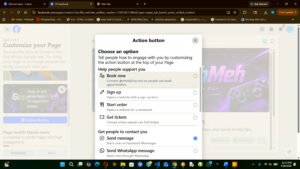
Step 11: Publish Your First Posts
Before inviting people to like or follow your page, publish a few posts first.
You can post:
- A welcome message
- A short introduction about your business
- A product or service photo
- A helpful tip
- A video
- A special offer
Try to publish at least 3 to 5 posts so your page does not look empty.
Step 12: Share Your Page
Once your page is ready, start promoting it.
You can share your Facebook Business Page:
- With friends and customers
- On WhatsApp
- On Instagram
- On your website
- In your email signature
- On your YouTube channel
- In Facebook groups, where allowed
Your Facebook Business Page is now ready to help people discover your brand, contact you, and follow your updates.
How to Grow Your Page Audience
Getting your first followers can feel slow — but these strategies work reliably:
1. Invite Your Personal Facebook Friends
On your new page, click “Invite friends” to invite your personal Facebook connections to like your page. This is the fastest way to get your first followers at zero cost.
2. Share Your Page Across All Channels
Add your Facebook Page link to your website, email signature, business cards, and all other social media profiles. Every touchpoint is an opportunity to convert casual contacts into engaged followers.
3. Join and Engage in Facebook Groups
Find active Facebook Groups where your target audience spends time. Participate genuinely — answer questions, share valuable insights, and build a reputation. Over time, people will find and follow your page organically.
4. Use Facebook Ads to Accelerate Growth
A small “Page Like” ad campaign — even $5–10 per day — can quickly build a targeted following. Use Facebook’s interest and demographic targeting to reach exactly the right people.
5. Post Consistently and at the Right Times
Facebook’s algorithm rewards consistency. Post at least 4–5 times per week. Use your Page Insights to find when your audience is most active (typically weekday mornings and early evenings) and schedule posts accordingly.
6. Collaborate with Other Pages
Cross-promote with complementary (non-competing) businesses. Tag each other in posts, host joint live videos, or run co-sponsored giveaways to access each other’s audiences.
